

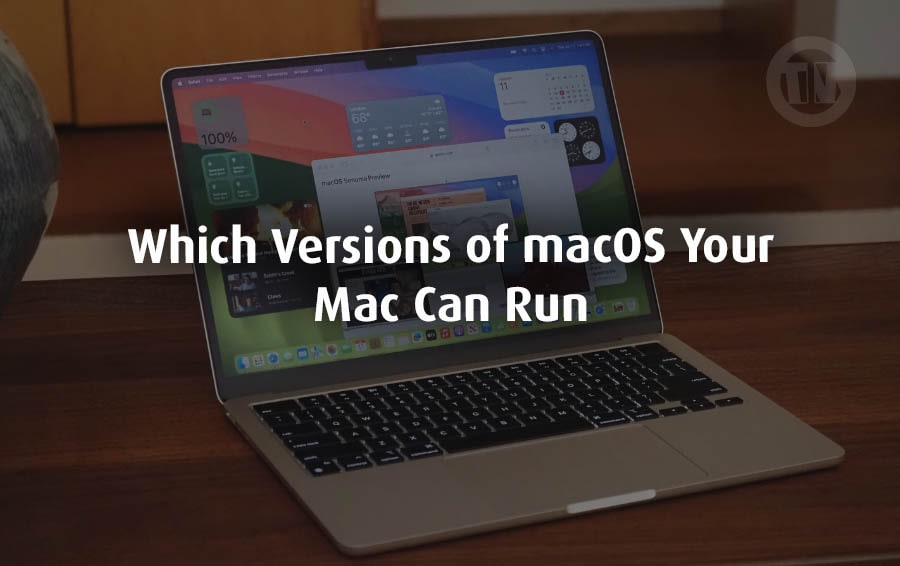
When it comes to technology, nothing stays still for long — and Apple’s macOS is no exception. Each year, Apple unveils a new version of its operating system for the Mac, packed with fresh features, smarter tools, and tighter security. It’s exciting, of course, but it also comes with a little bit of anxiety for Mac owners: will my Mac still be able to run the latest update?
The truth is, not every Mac can keep up forever. As Apple keeps improving the operating system to take full advantage of their newer M-series chips, some older Intel-powered Macs slowly fall off the list of supported devices. For long-time Mac users, this can feel bittersweet — on the one hand, your machine still works fine, but on the other, you don’t want to miss out on the new features, design improvements, or critical security updates.
That’s why it’s so important to know where your Mac stands. Maybe you’re using a shiny new M2-powered MacBook Air, or perhaps you’re still rocking a trusty 2015 MacBook Pro that has served you well for years. Either way, knowing which macOS versions your Mac can run gives you a clear picture of what’s possible now and what to expect in the near future.
Which Version of macOS Can My Mac Run?
Apple has its own rhythm each year, usually in the fall, when the latest version of macOS is released. However, sometimes, not all Macs are invited to participate in the update.
With each release, some older models will disappear from the compatibility list, meaning they can no longer be updated to the latest software. This doesn’t mean your Mac is no longer usable, but rather that you won’t be able to access the latest features and innovations from macOS.
For example, the latest release, macOS 15 Sequoia, officially launched on September 16, 2024. This version supports all M-series Macs—Apple’s next generation of advanced machines running on its own silicon chips—as well as the latest wave of Intel-powered Macs.
The catch, however, is that while Intel Macs can technically run Sequoia, they don’t have access to the new Apple Intelligence features exclusive to M-series devices. So, you get the update, but you don’t get the full experience.
And the story doesn’t end there. Apple gave us a sneak peek at the next major release, macOS 26 Tahoe, during WWDC in June 2025. This version is still in beta testing, but one thing is clear: Tahoe will be the last macOS to support Intel Macs.
This means that after Tahoe, only M-series Macs will be able to join the fold going forward.
It’s also worth noting that Apple doesn’t just update macOS once a year and then leave it at that. Smaller updates come periodically—sometimes every month or two—bringing bug fixes, the latest security patches, and even minor feature enhancements.
For example, in May 2025, Apple released macOS 15.5, proving that the system is constantly evolving even between major annual releases. So the question is, is your Mac still supported, and if so, for how long? That’s what this compatibility guide will help you find out.
a. macOS 26 Tahoe Compatibility
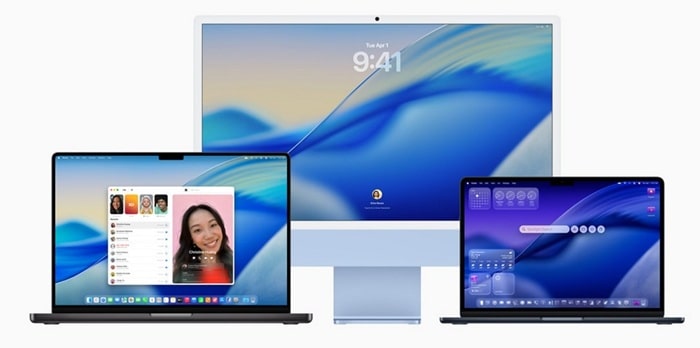
When Apple first introduced macOS 26 Tahoe, many Mac users feared the operating system would eventually discontinue all Intel-powered devices. While that didn’t actually happen, Tahoe still supports some Intel-based Macs.
The bad news is that this will be the last macOS release to support Intel-based Macs. After Tahoe, only Apple’s own silicon (the M series) will be released.
Here’s the full list of Macs that can run Tahoe..
1. Macs with Apple Silicon (full Apple Intelligence support)
- MacBook Pro (M1 and later)
- MacBook Air (M1 and later)
- iMac (M1 and later)
- Mac mini (M1 and later)
- Mac Studio (M1 and later)
- Mac Pro (M1 and later)
2. Intel Macs supported by Tahoe (without Apple Intelligence)
- MacBook Pro (Intel, 13-inch, 2020, Four Thunderbolt 3 ports)
- MacBook Pro (Intel, 16-inch, 2019)
- Mac Pro (Intel, 2019)
- iMac (Intel, mid-2020)
3. Macs that drop support in Tahoe (but were supported in Sequoia)
- iMac (Intel, 2019)
- iMac Pro (Intel, 2017)
- Mac mini (Intel, 2018)
- MacBook Pro (Intel, 2018)
b. macOS 15 Sequoia Compatibility
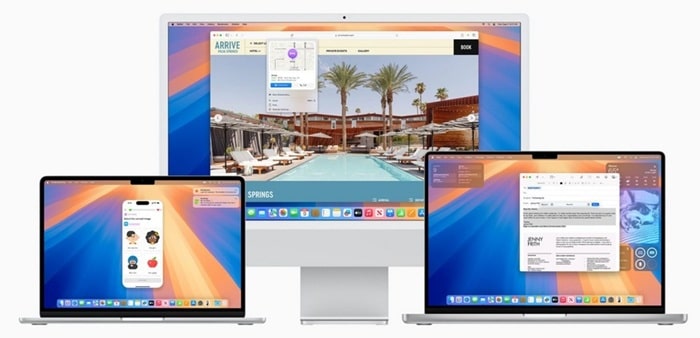
Apple launched macOS 15 Sequoia on September 16, 2024, and continues to update it with regular improvements — the most recent being macOS 15.5 in May 2025. Sequoia is an innovation, especially for Apple Silicon Macs, that brings new Apple Intelligence features.
Intel Macs can still run it, but without those features.
1. M-series Macs that support Sequoia (with Apple Intelligence)
- MacBook Air (M1 and later)
- MacBook Pro (M1 and later)
- iMac (M1 and later)
- Mac Pro (M1 and later)
- Mac Studio (M1 and later)
- Mac mini (M1 and later)
2. Intel Macs that support Sequoia (no Apple Intelligence)
- iMac (2019 and August 2020)
- Mac Pro (2019)
- iMac Pro (2017)
- MacBook Air (March 2020)
- Mac mini (2018)
- MacBook Pro (2018, 2019, May 2020)
Worth noting, the 2018 and 2019 13-inch MacBook Air models could run Sonoma but lost support once Sequoia arrived.
c. macOS 14 Sonoma Compatibility
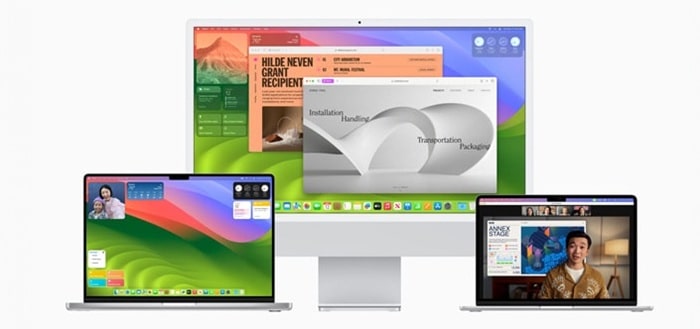
macOS 14 Sonoma landed on September 26, 2023, and it’s still actively maintained by Apple with security patches — the latest being 14.7.5 in March 2025. Sonoma became the last stop for a wider set of Intel Macs before Sequoia started trimming the list.
Macs that can run Sonoma
- iMac (2019 and later)
- Mac Pro (2019 and later)
- iMac Pro (2017)
- Mac Studio (2022 and later)
- MacBook Air (2018 and later)
- Mac mini (2018 and later)
- MacBook Pro (2018 and later)
d. macOS 13 Ventura Compatibility
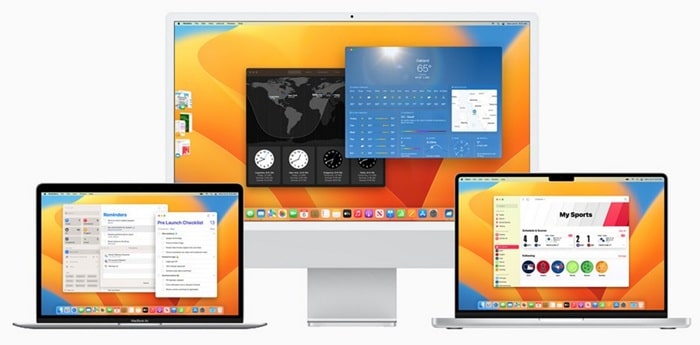
Released on October 24, 2022, macOS 13 Ventura also continues to receive security updates — with version 13.7.5 rolling out in March 2025. It supports a slightly wider range of Macs than Sonoma, making it a good middle ground for older but still capable Intel systems.
Macs that can run Ventura
- MacBook (2017 and later)
- MacBook Air (2018 and later)
- MacBook Pro (2017 and later)
- Mac mini (2018 and later)
- iMac (2017 and later)
- iMac Pro (all models)
- Mac Pro (2019 and later)
- Mac Studio (all models)
Compatibility of Older macOS Versions
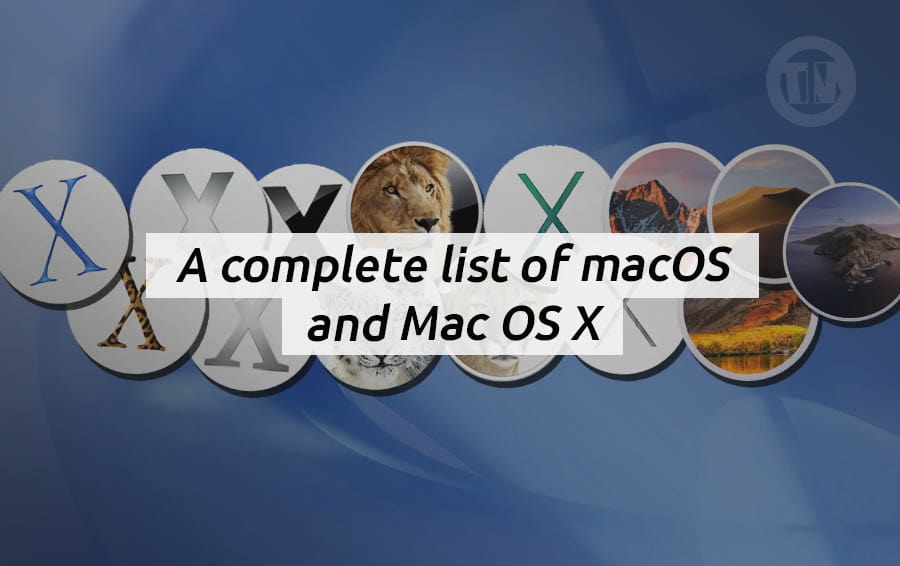
Over the years, Apple has released many versions of macOS (and OS X, when it still had an “X” in its name). Each version comes with its own set of features—as well as its own list of supported Macs.
As newer versions arrive, older machines gradually disappear from the list, meaning they can no longer install or receive updates.
Here’s a breakdown of older Macs and which versions of macOS they can run..
1. macOS 12 Monterey
- Released: October 15, 2021
- Latest version: 12.7.6
- Status: No longer receiving security updates
Supported Macs..
- MacBook (early 2016 or later)
- MacBook Air (early 2015 or later)
- MacBook Pro (early 2015 or later)
- Mac mini (2014 or later)
- iMac (2015 or later)
- iMac Pro (2017 and later)
- Mac Pro (late 2013 and later)
- Mac Studio (all models)
2. macOS 11 Big Sur
- Released: November 12, 2020
- Latest version: 11.7.10
- Status: No longer receiving security updates
Supported Macs..
- MacBook (early 2015 or later)
- MacBook Air (2013 or later)
- MacBook Pro (2013 or later)
- Mac mini (2014 or later)
- iMac (2014 or later)
- iMac Pro (all models)
- Mac Pro (2013 and 2019 models)
3. macOS 10.15 Catalina
- Released: October 2019
- Latest version: 10.15.7
- Status: No longer receiving security updates
Supported Macs..
- MacBook (2015–2017)
- MacBook Air (mid-2012 to 2019)
- MacBook Pro (mid-2012 to 2019)
- Mac mini (late 2012 to 2018)
- iMac (late 2012 to 2019)
- iMac Pro (all models)
- Mac Pro (2013)
Note: Apple Silicon Macs (M-series) cannot run Catalina or earlier versions.
4. macOS 10.14 Mojave
- Released:September 2018
- Latest version: 10.14.6
Supported Macs..
- MacBook (2015–2017)
- MacBook Air (mid-2012 to 2017)
- MacBook Pro (mid-2012 to 2018)
- Mac mini (late 2012 to 2018)
- iMac (late 2012 to mid-2017)
- iMac Pro (all models)
- Mac Pro (late 2013, plus mid-2010 and mid-2012 with a Metal-capable GPU)
5. macOS 10.13 High Sierra
- Released: September 2017
- Latest version: 10.13.6
Supported Macs..
- MacBook (late 2009 to 2017)
- MacBook Air (late 2010 to 2017)
- MacBook Pro (mid-2010 to 2017)
- Mac mini (mid-2010 to 2014)
- iMac (late 2009 to mid-2017)
- Mac Pro (mid-2010 and 2013)
6. macOS 10.12 Sierra
- Released: September 2016
- Latest version: 10.12.6
- Fun fact: Sierra was the first version to drop the “X” and officially adopt the “macOS” name
Supported Macs..
- MacBook (late 2009 to 2017)
- MacBook Air (late 2010 to 2017)
- MacBook Pro (mid-2010 to 2015)
- Mac mini (mid-2010 to 2014)
- iMac (late 2009 to 2015)
- Mac Pro (mid-2010 and 2013)
7. OS X 10.11 El Capitan
- Released: September 2015
- Latest version: 10.11.6
Supported Macs..
- MacBook (2008–2010, and early 2015–2017)
- MacBook Air (late 2008 to early 2015)
- MacBook Pro (mid-2007 to early 2015)
- Mac mini (2009 to 2014)
- iMac (mid-2007 to mid-2015)
- Mac Pro (2008, 2010, 2013)
8. OS X 10.10 Yosemite
- Released: October 2014
- Latest version: 10.10.5
Supported Macs..
- MacBook (2008–2010)
- MacBook Air (2008 to mid-2013)
- MacBook Pro (13-inch mid-2009 to 2014 / 15-inch mid-2007 to 2014 / 17-inch 2007 to 2011)
- Mac mini (2009 to 2012)
- iMac (2007 to 2014)
- Mac Pro (2008, 2010)
9. OS X 10.9 Mavericks
- Released: October 2013
- Latest version: 10.9.5
Supported Macs..
- MacBook (2008–2010)
- MacBook Air (2008 to 2013)
- MacBook Pro (mid-2007 to early 2013)
- Mac mini (2009 to 2012)
- iMac (2007 to 2013)
- Mac Pro (2008, 2010)
- Xserve (2009)
10. OS X 10.8 Mountain Lion
- Released: July 2012
- Latest version: 10.8.5
- Fun fact: Mountain Lion was the last of the big cat macOS names before Apple switched to California-inspired names
Supported Macs..
- MacBook (2008–2010)
- MacBook Air (2008 to 2012)
- MacBook Pro (2007 to 2012)
- Mac mini (2009 to 2011)
- iMac (2007 to 2011)
- Mac Pro (2008, 2010)
Conclusion
Checking which version of macOS your Mac can run is about security, performance, and getting the most out of your hardware. Apple’s transition to its own M-series chips has made the difference between supported and unsupported Macs even more pronounced.
If you’re using a recent M-series Mac, you can rest assured—you’re ready for years of updates, new features, and Apple’s growing focus on AI-powered devices. However, if you’re using an Intel Mac, support has clearly ended with macOS 26 Tahoe.